The Technology Stack
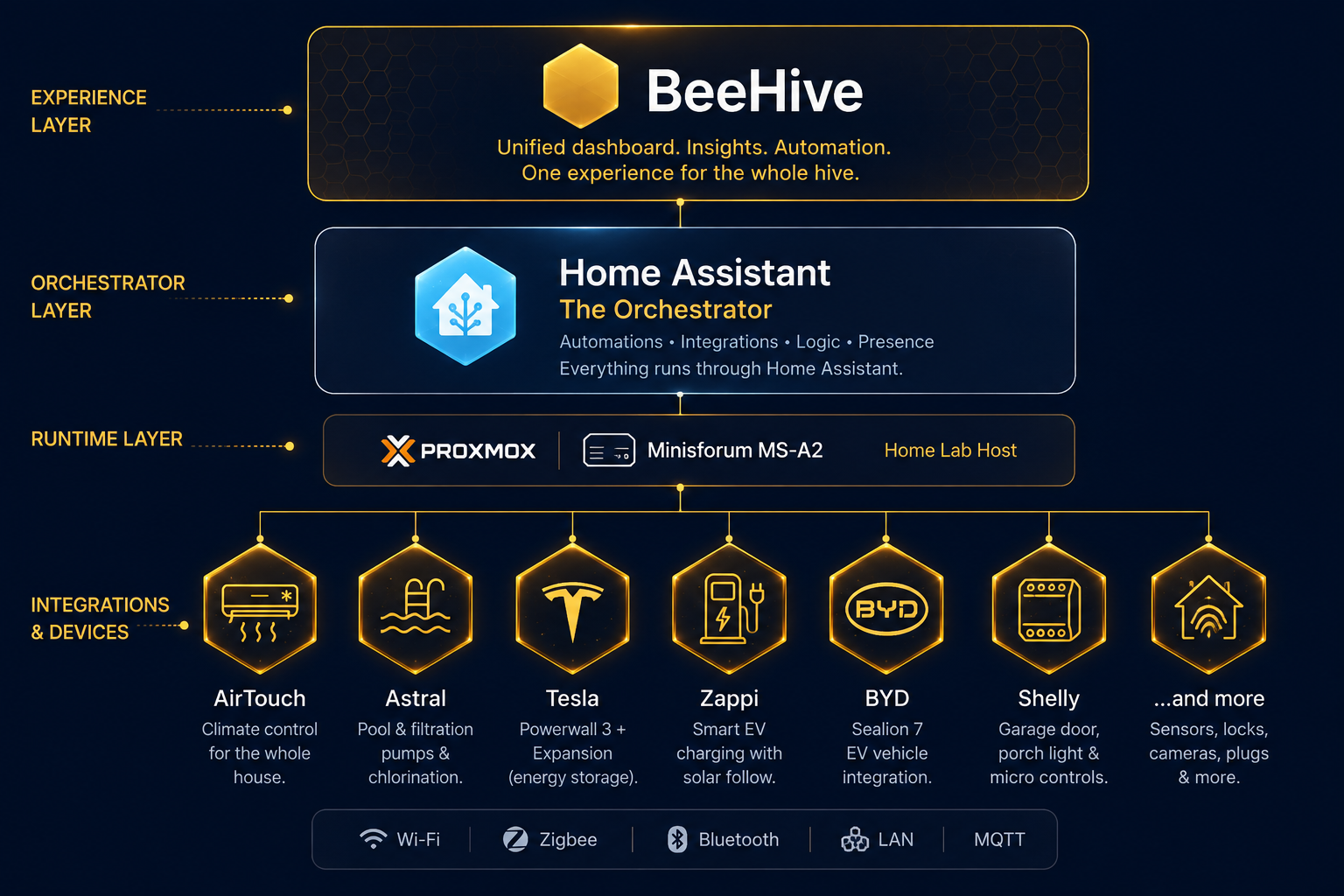
Every layer, top to bottom, in one diagram.
From the experience layer at the top, down through orchestration and runtime, to every integration hanging off the bottom — here's how it all actually fits together.
A cheerful, occasionally stubborn collection of things that help the house make better decisions. These are our real-world notes: why each thing is here, how it fits into BeeHive, and where it made us mutter at a settings screen.
This page grows with the house as new devices earn their place in the hive.
Every layer, top to bottom, in one diagram.
From the experience layer at the top, down through orchestration and runtime, to every integration hanging off the bottom — here's how it all actually fits together.
A single Minisforum mini PC, tucked in a cupboard — small, quiet, and drawing a fraction of the power a full tower would.
Proxmox VE carves that one box into isolated virtual machines. Neither can see into the other.
AirTouch knows climate. Tesla knows energy. Home Assistant is the layer that sees everything at once.
The unglamorous layer nobody sees, running quietly in a cupboard.
Everything in this house runs on a single Minisforum mini PC — small enough to disappear into a cupboard, drawing a fraction of the power a full tower would, and quiet enough that nobody in the house knows it's there.
One box, several completely separate lives.
Proxmox VE, an open-source hypervisor, carves that one physical machine into isolated virtual machines. One runs Home Assistant OS. A second, deliberately separate Debian VM runs the self-hosted Adja memory instance. Neither can see into the other's disk or network — if one ever needed rebuilding from scratch, the other wouldn't even notice.
Every vendor is excellent at their own narrow job. None of them talk to each other.
AirTouch is genuinely good at climate. Tesla is genuinely good at energy. Neither has ever heard of the other, and neither ever will — that's not a flaw, it's just the nature of buying best-in-class hardware from different companies. The interesting engineering problem was never controlling any single device; every vendor's own app already does that. It's the layer above them — the one where "battery just hit 100%" can quietly become "good time to run the dishwasher," or "kids home from school plus solar surplus" can become "start the air-con in their rooms" — that none of those apps could ever build alone, because none of them can see past their own product line. That's the actual job Home Assistant does here: not a smarter thermostat or a smarter charger, just the one place that gets to see everything at once.
The big golden brain of the energy system — although, like every clever brain, it sometimes needs a firm boundary.
Our Powerwall stores solar, carries the house through expensive periods, and gives BeeHive the live energy picture used by our automations. Time-Based Control does the broad planning; Home Assistant handles the household-specific nudges, including protecting the battery from an overenthusiastic overnight EV charge.

The charger that learned to listen to the house instead of trying to read the sunshine by itself.
Zappi is the bridge between rooftop solar and the BYD in the driveway. Its built-in Eco+ logic was not trustworthy here because the grid CT clamp was wired incorrectly, so BeeHive now makes the call from Tesla's solar data: Fast when genuine surplus is available, stopped when it is not. Less guessing, more actual sunshine in the car.

Twenty quiet workers on the roof, making hay whenever the Australian sun remembers its job.
The array is 20 × 475W Quasar panels: 9.5kW DC in total, feeding the Powerwall 3's integrated inverter. The house has a 5kW AC constraint, but solar can still charge the battery on the DC side without squeezing through that same bottleneck.

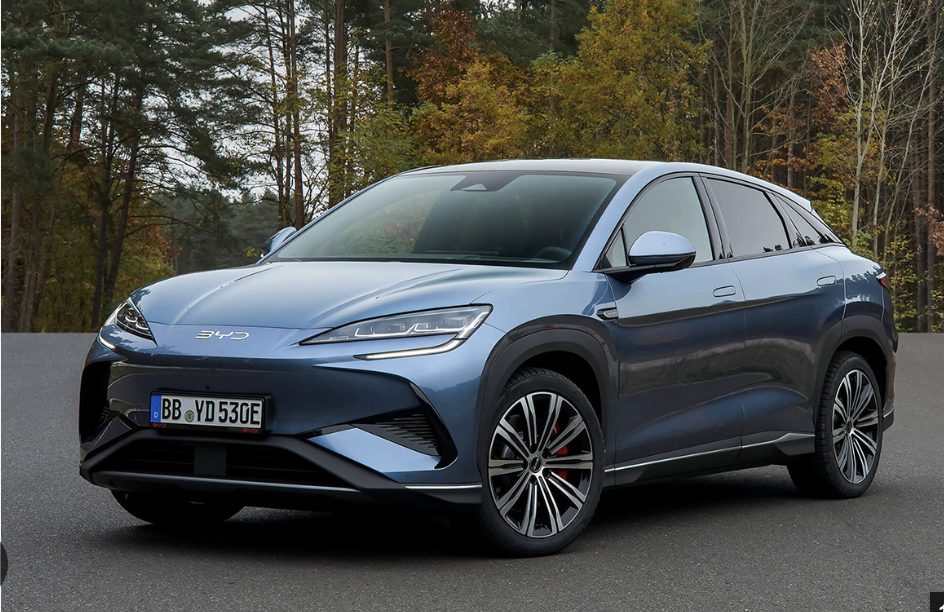
A very large battery on wheels that would quite like to drink sunshine for breakfast.
BeeHive mostly sees the car through Zappi's charging telemetry, and honestly, that's plenty — because the real decision-making happens overnight, and it isn't Home Assistant's job at all. Tesla's own Time-Based Control quietly tops the Powerwall up from the grid during the 12am–6am super off-peak window, drawing only what's actually needed and not a cent more. It's been dependable enough that I've happily handed that whole call over: Tesla runs the charging brain, Home Assistant runs everything else in the house. A direct BYD integration remains a fun future project — not something today's setup is waiting on.
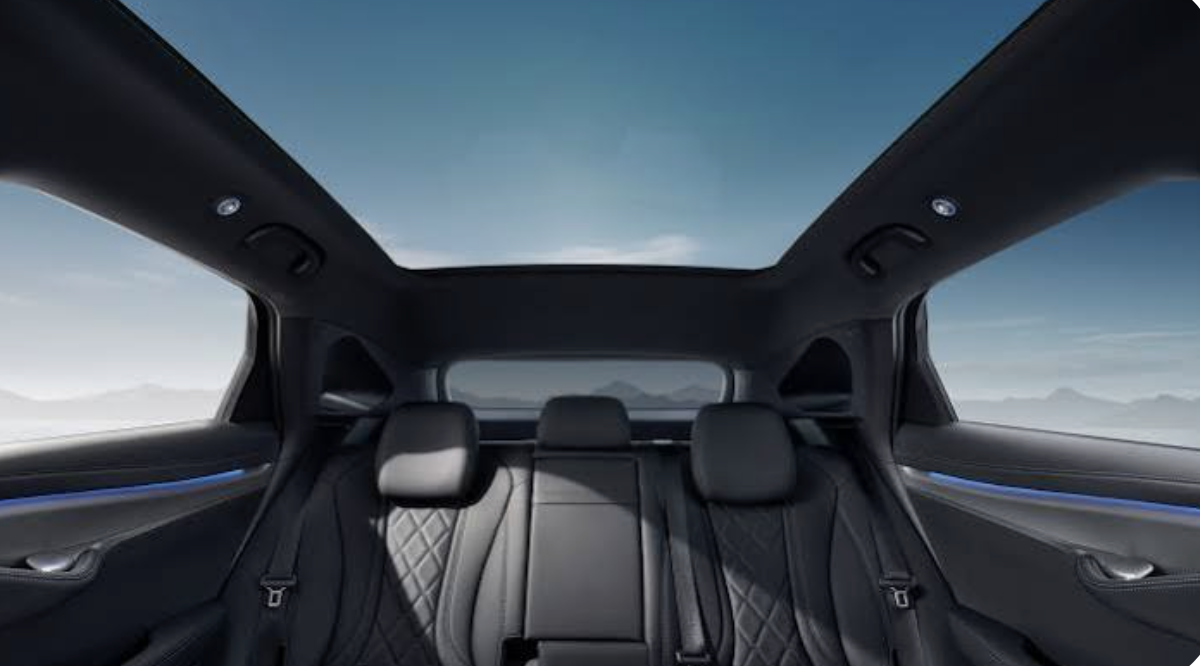
Visit the official Sealion 7 site ↗“Not a car person, I can honestly say I am absolutely LOVING this car. So smooth — be-careful-not-to-lose-your-licence fast — and all the little extras are just so fun to find.
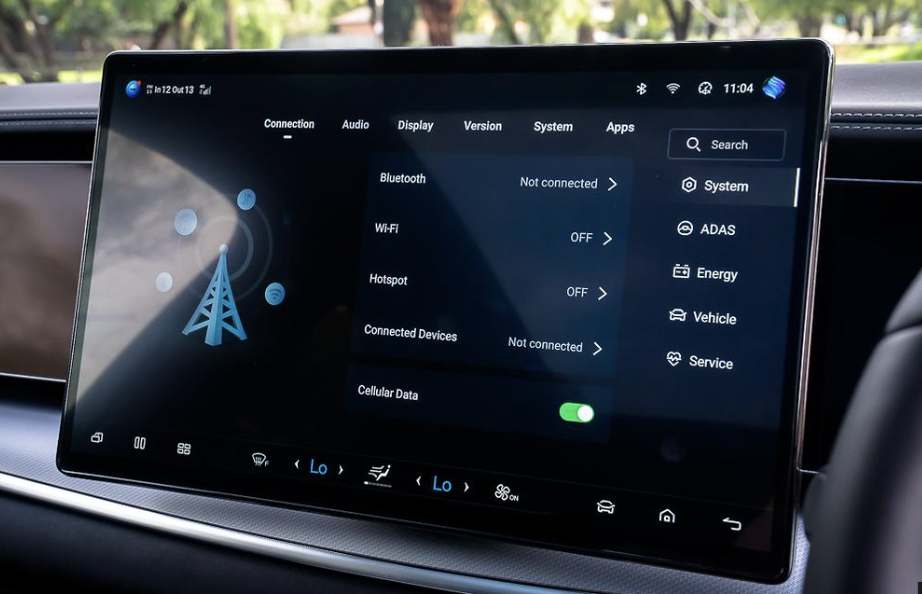
Whilst I am LOVING the ‘Nap’ feature (made for me), I would really like to see BYD be a little more accommodating and allow me to add my Home Assistant updates to the infotainment screen. It has some great features, but average voice control — and is it even worth automating your garage doors if you can’t also have a little button on your front screen?
Watch this space. I have hope that this will become more open in future updates. Are you listening, BYD?”

Because “air conditioning” is nicer when it means the room you are actually in.
AirTouch gives BeeHive zone-by-zone climate control across the house, and the local Home Assistant integration exposes every zone individually — which matters more in practice than it sounds. Kids home from school at 3pm with solar to spare? Home Assistant quietly kicks Rooms 2 and 3 into gear on its own. Dad switches the whole system off on a night that's still too warm for Mum? She can turn her side back on herself from the app, no discussion required. Two kids away at college? Their rooms simply drop out of the regular schedule instead of being conditioned for nobody. None of it needed custom engineering — it's just what AirTouch's out-of-the-box Home Assistant integration makes possible.
The diplomatic translator for appliances that arrived with opinions and their own app.
SmartThings brings the dishwasher, washer, dryer, Frame TV, stick vacuum, and one split-system air conditioner into Home Assistant. BeeHive can see their state in one place and build gentler household routines around them without pretending every appliance was designed to be friends.

Eyes outside, privacy inside, and no need to turn the home into a surveillance hobby.
Reolink handles the camera side of the house. The BeeHive principle is simple: useful awareness, sensible boundaries, and local control wherever practical. We deliberately keep camera locations and recording details off the public site.
Tiny boxes doing quiet jobs behind the scenes — very on-brand for a hive.
A Shelly relay gave our existing garage door a local, phone-friendly upgrade without replacing the hardware that already worked. The old remotes still work, while Siri and Home Assistant can now open and close it too.
Visit the official Shelly site ↗"This was my first smart-device project, and I loved how AI helped me — through photo sharing — understand exactly how to connect it, and just where and how to clip the wire. Because of this tiny, inexpensive device, my old garage tech can now open and close on a Siri command or an iPhone button tap. And we can still use the analog door openers too (winning).
This project was probably overkill, but it sure was fun — and a bit cool — to learn how these devices actually work, and start imagining all the ways I can bring the rest of the house to life with them."

The watery corner of the hive, with plenty of room for smarter energy decisions.
A chlorinator replacement was the opportunity to overhaul the pool equipment: a CA300 filter, Viron XT P320C variable-speed pump, and Halo 25 chlorinator with automatic acid dosing. The goal is to use excess solar; Home Assistant integration is still being investigated. Read the installation story on The Waggle →